
Digital Onboarding & Client Engagement.
A structured digital approach to onboarding and ongoing client interaction.

Clients move through onboarding via a secure, guided portal where they can upload documents, complete and sign forms, and track progress in one place. This reduces the need for repeated follow-ups and keeps each step of the process clear.
AI-powered support remains available throughout onboarding to answer questions and guide next steps. Teams benefit from fewer manual touchpoints and clearer oversight, while clients experience a more straightforward, predictable journey.
AI Analysis.
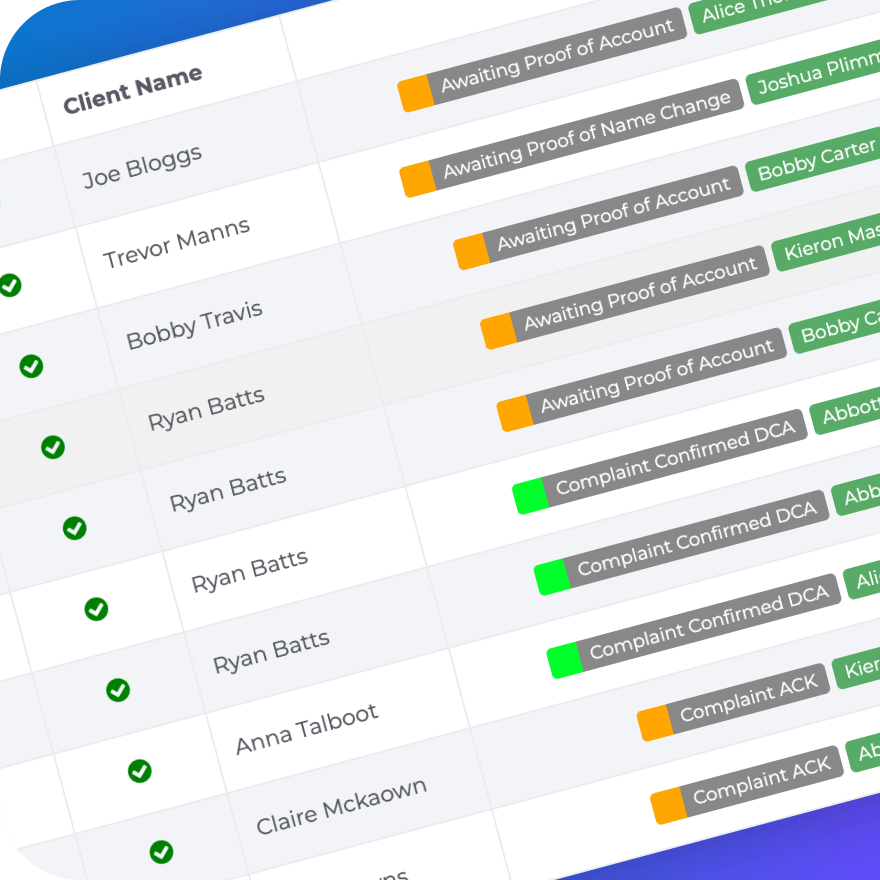
AI data analysis and reporting offers visibility into how onboarding and case processes are performing day to day. Operational data is used to surface patterns, highlight bottlenecks, and show where work is progressing or stalling.
With clearer insight into what’s happening across workflows, teams can focus attention where it’s needed and make decisions earlier, based on real activity rather than assumptions.
This gives teams stronger oversight and more informed operational planning.
AI Chat Support.
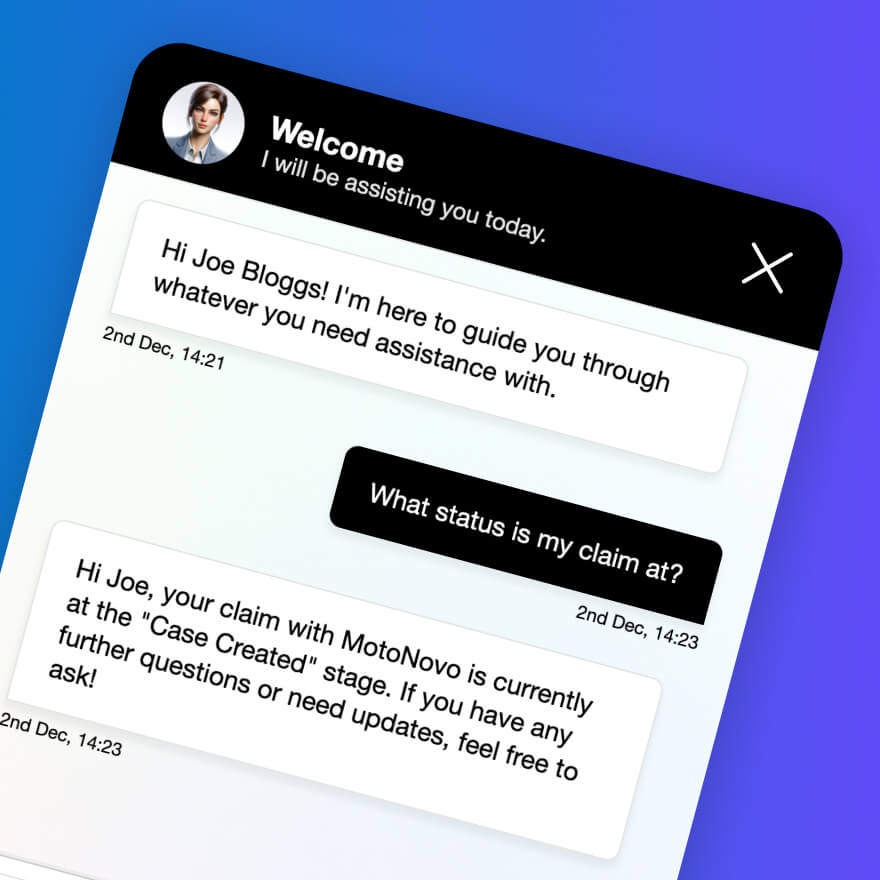
AI Chat Support provides an immediate, responsive first point of contact for prospects and customers. It handles common questions, gathers key information, and guides users to the next step without delays or handoffs.
During onboarding, chat can capture details, explain requirements, and route users to the right forms or verification steps. Beyond onboarding, it supports ongoing engagement by answering queries, sharing updates, and maintaining consistent communication.
Because conversations are structured and logged, teams retain visibility and control while clients experience fast, clear responses at every stage.
AI Verification.
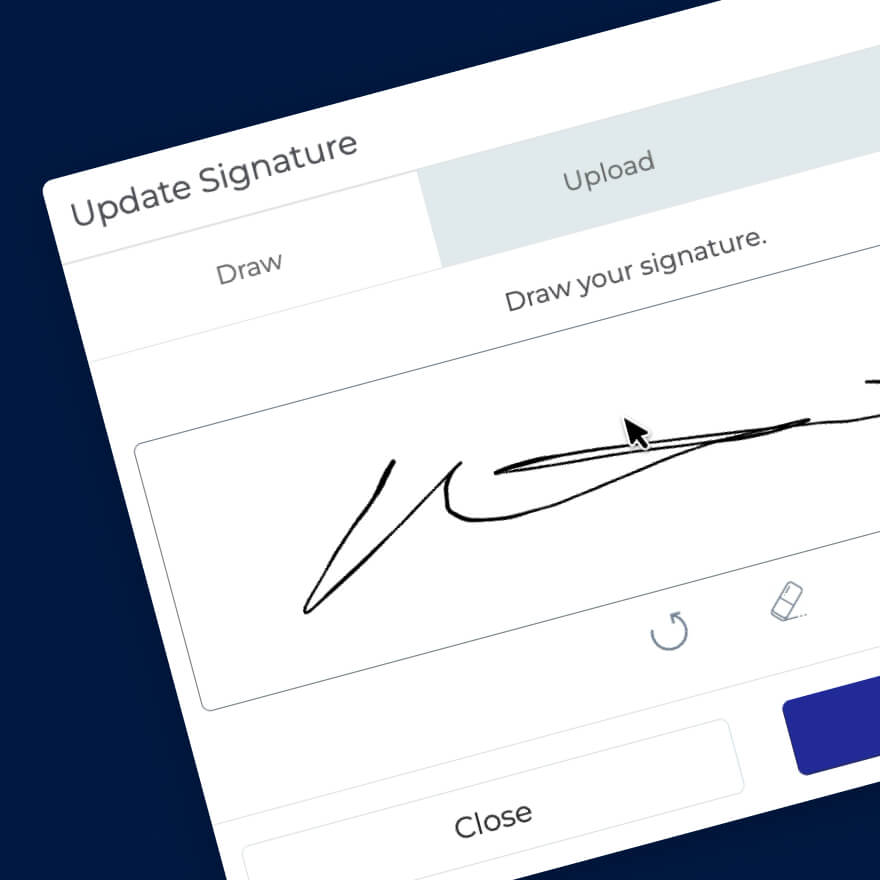
AI document and signature verification supports compliance and approval stages by checking the integrity of documents and validating signatures as part of the wider workflow.
Instead of relying on manual checks or separate tools, verification runs alongside onboarding and case activity, with actions recorded automatically for review and audit. This reduces rework and adds confidence without slowing processes down.
Teams keep greater control over document-led decisions while maintaining a clear compliance record.
AI Workflow Automation.
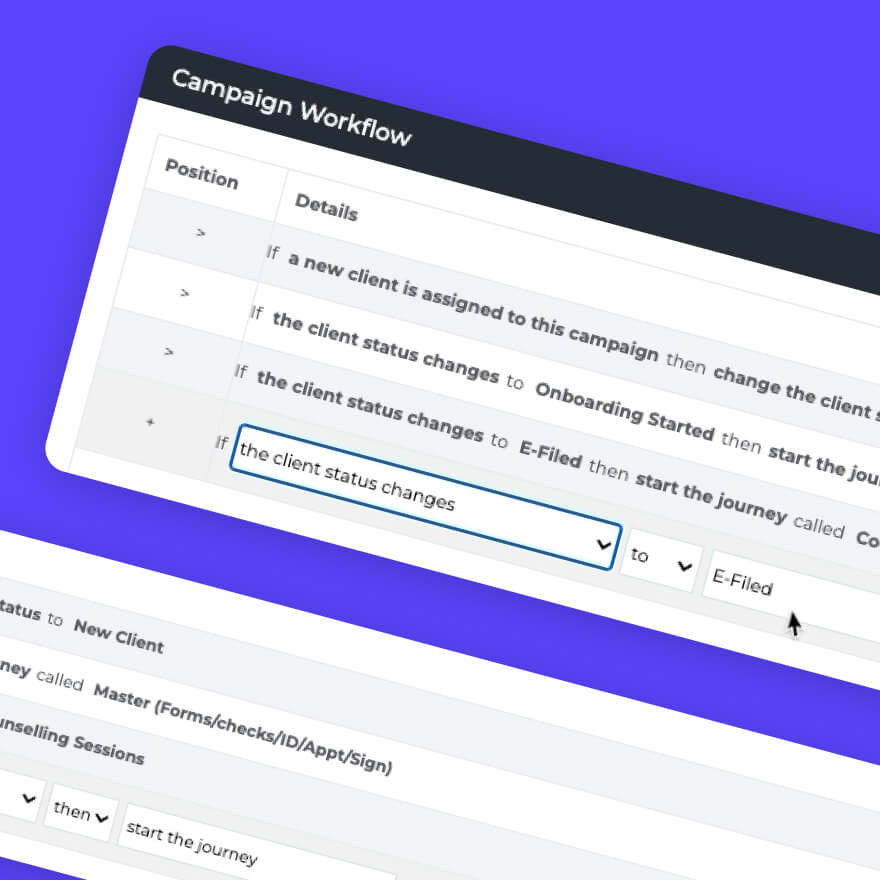
Workflow automation removes manual steps from the onboarding journey. Actions such as form completion, document submission, approvals, and follow-ups are triggered automatically based on user behaviour.
This ensures nothing stalls or gets missed, even as volumes increase. Clients progress smoothly through onboarding while internal teams avoid repetitive admin and fragmented processes.
The result is a faster, more predictable onboarding experience.
Appointment Scheduling.
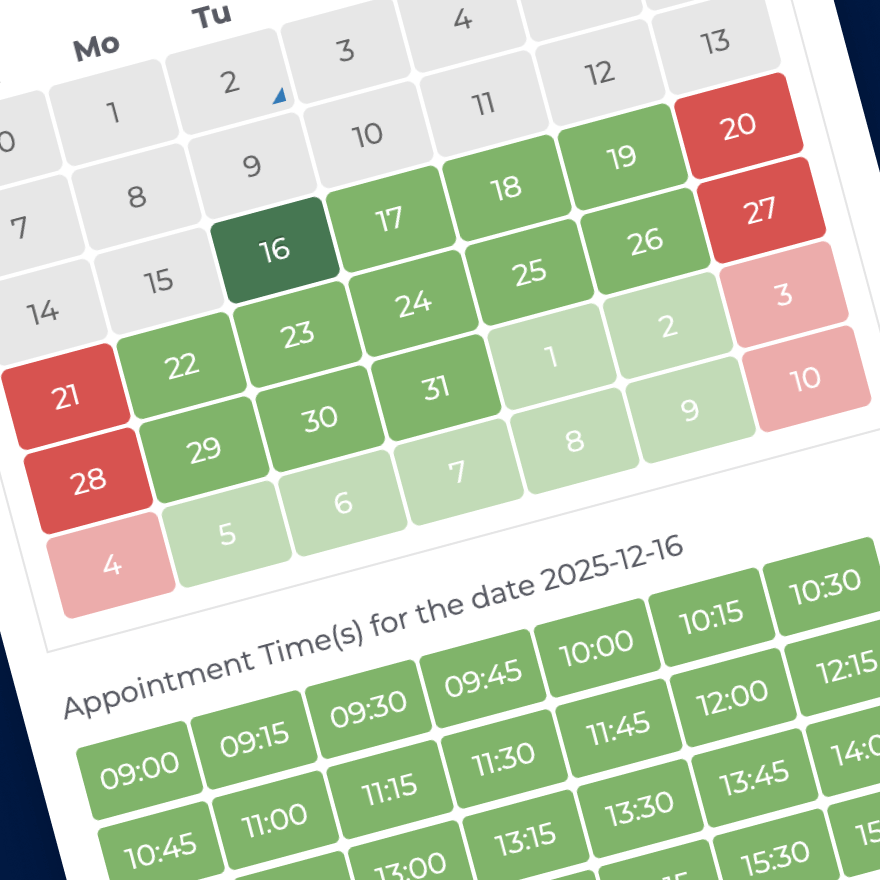
Managed through the Appointment Scheduling module, users can book meetings, calls, or onboarding sessions at a time that suits them. Availability updates in real time, removing the need for emails or manual coordination.
This is particularly valuable during onboarding, where timing and momentum matter. Clients can move forward immediately, while teams stay organised and focused on delivery rather than logistics.
Automated confirmations and reminders help reduce no-shows and keep engagement consistent.
Background Checks.
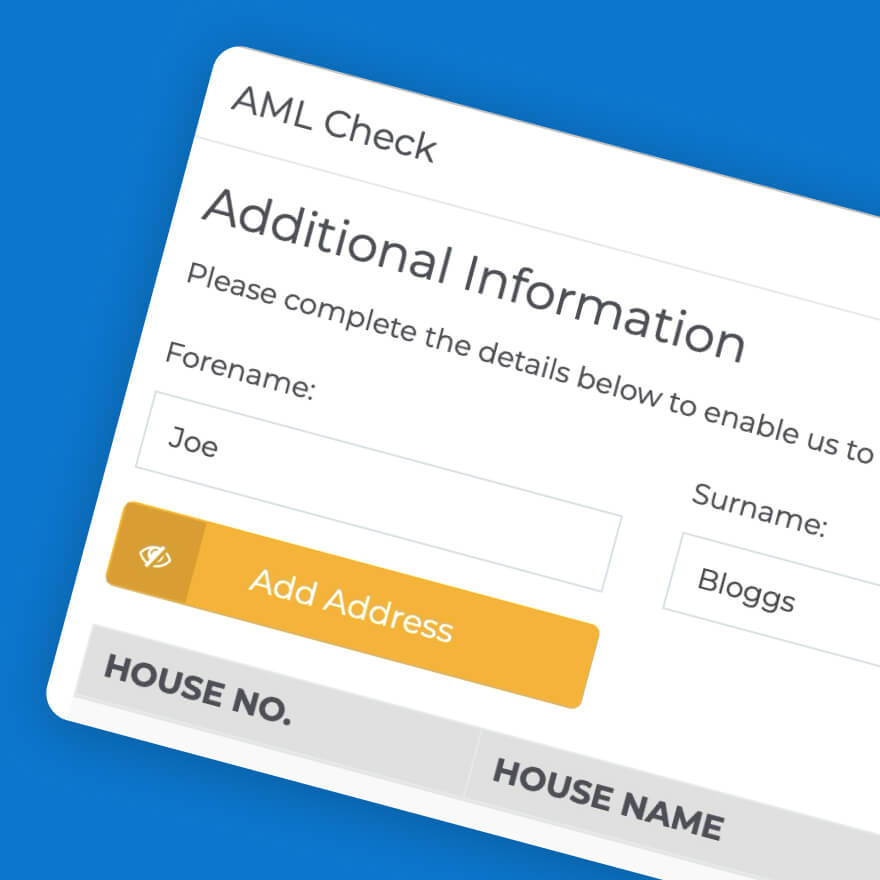
Background Checks integrate directly into the onboarding flow, allowing identity and eligibility checks to happen without manual intervention.
Clients submit information once, and checks are triggered automatically at the right point in the process. Results feed straight back into the workflow, supporting faster decisions and clearer next steps.
This approach keeps onboarding compliant while maintaining a smooth, professional experience for the end user.
Banking Integrations.
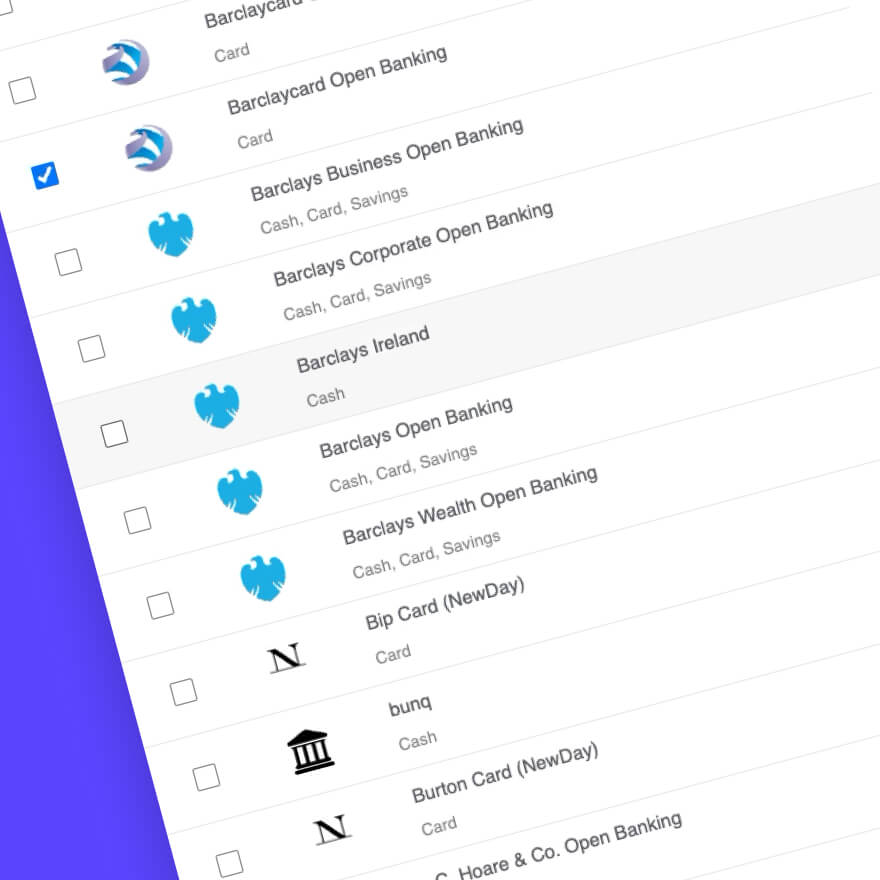
Banking integrations allow users to securely connect financial data during onboarding, removing the need for manual uploads or delayed verification.
This supports faster validation, clearer insights, and fewer follow-up requests. Clients complete onboarding with confidence, knowing sensitive data is handled securely and efficiently.
For teams, it reduces friction and provides reliable data that enables faster, clearer decisions.
Campaign Management.
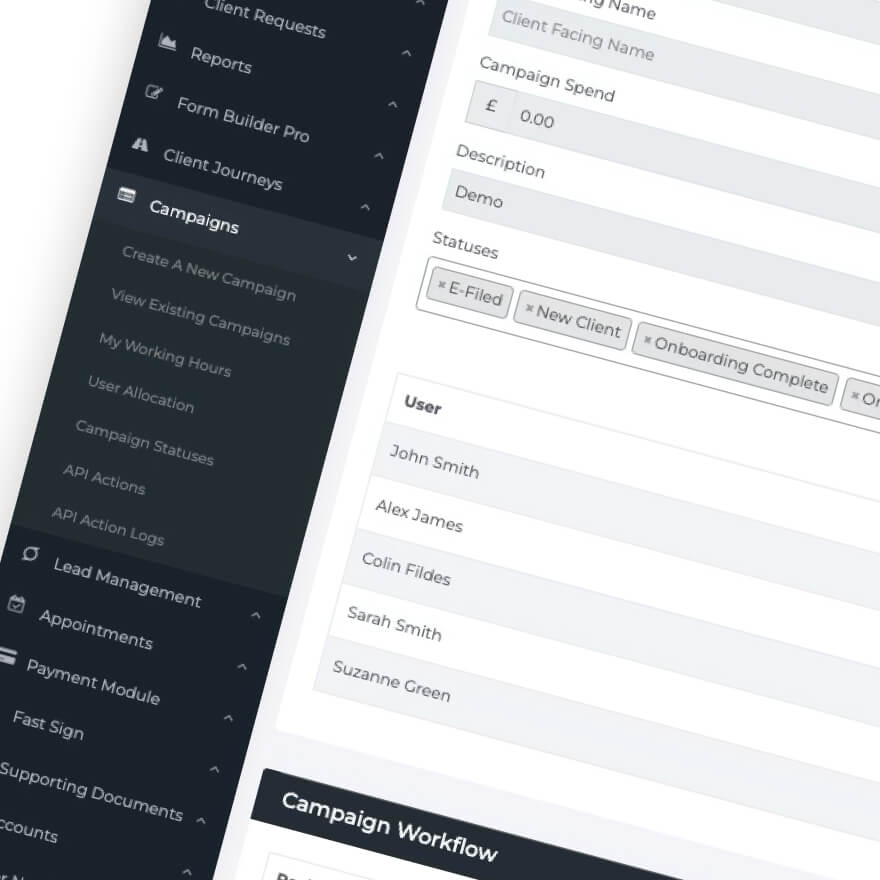
Campaign Management supports structured communication throughout the client lifecycle. From onboarding messages to follow-up updates and engagement prompts, communication is managed through a central campaign hub that keeps everything organised in one place.
Campaigns can be triggered by user actions or onboarding milestones, helping maintain momentum without manual outreach.
This keeps clients informed and engaged while ensuring messaging remains consistent and aligned with their stage in the journey.
Case Management.
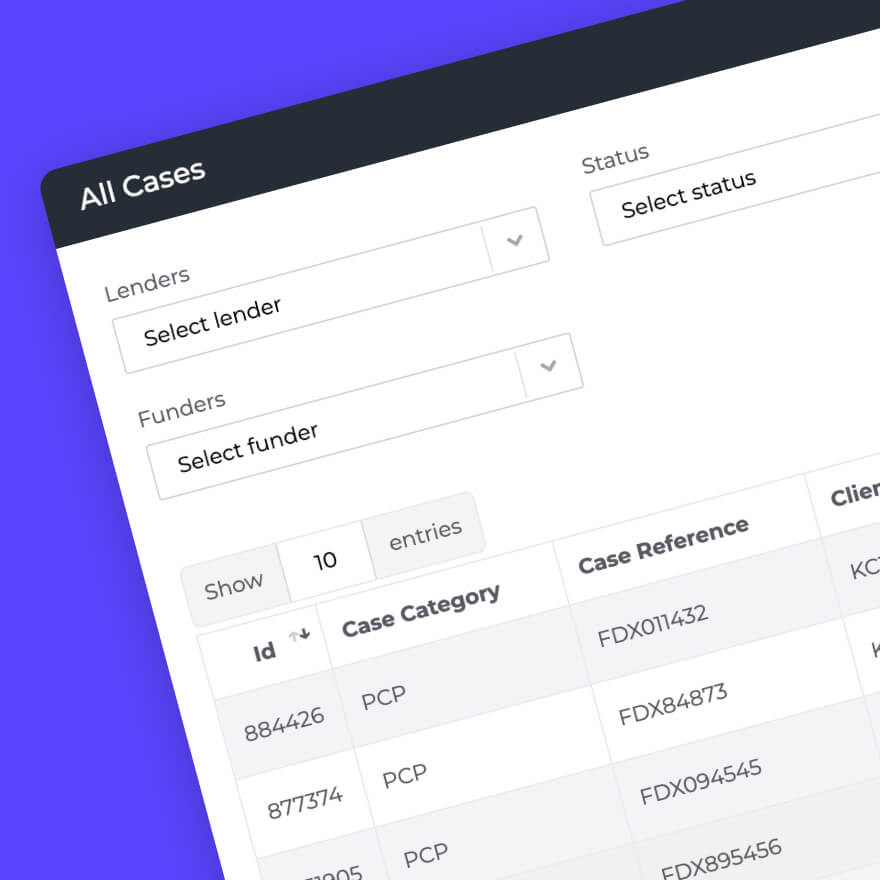
Case Management brings all activity for a client into a single, structured case hub. Teams can manage multiple cases per client, with clear status tracking, signed documents, supporting evidence, and forms all stored within each case.
This approach is particularly useful in Claims and Compliance-led environments, where businesses often handle several case types at once. A single client might have active PCP claims, irresponsible lending claims, or housing-related cases running in parallel, each with its own documentation and progress.
Every action, update, and document is recorded as part of a continuous audit trail. This provides the visibility and control teams need while maintaining clear compliance records throughout the lifecycle of each case.
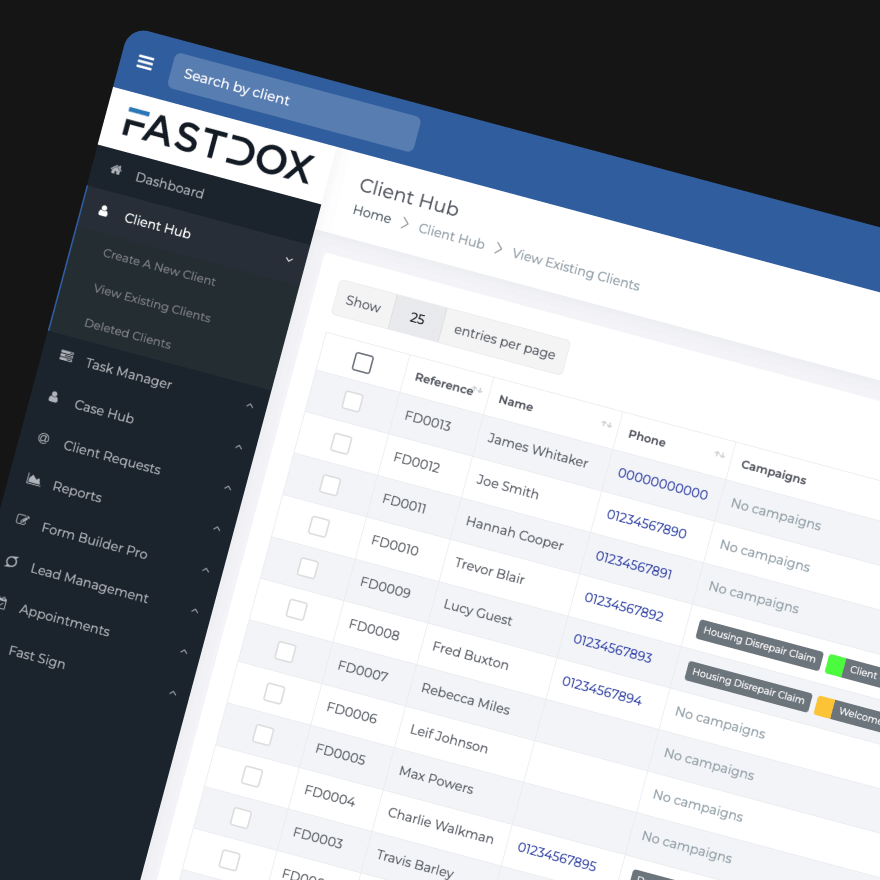
Client Management.
Client Management centralises client data from first engagement through onboarding and beyond. Profiles update automatically as users interact with the platform.
This creates continuity between onboarding and ongoing engagement, ensuring teams always have accurate, up-to-date information.
A unified client view supports better service, clearer communication, and stronger long-term relationships.
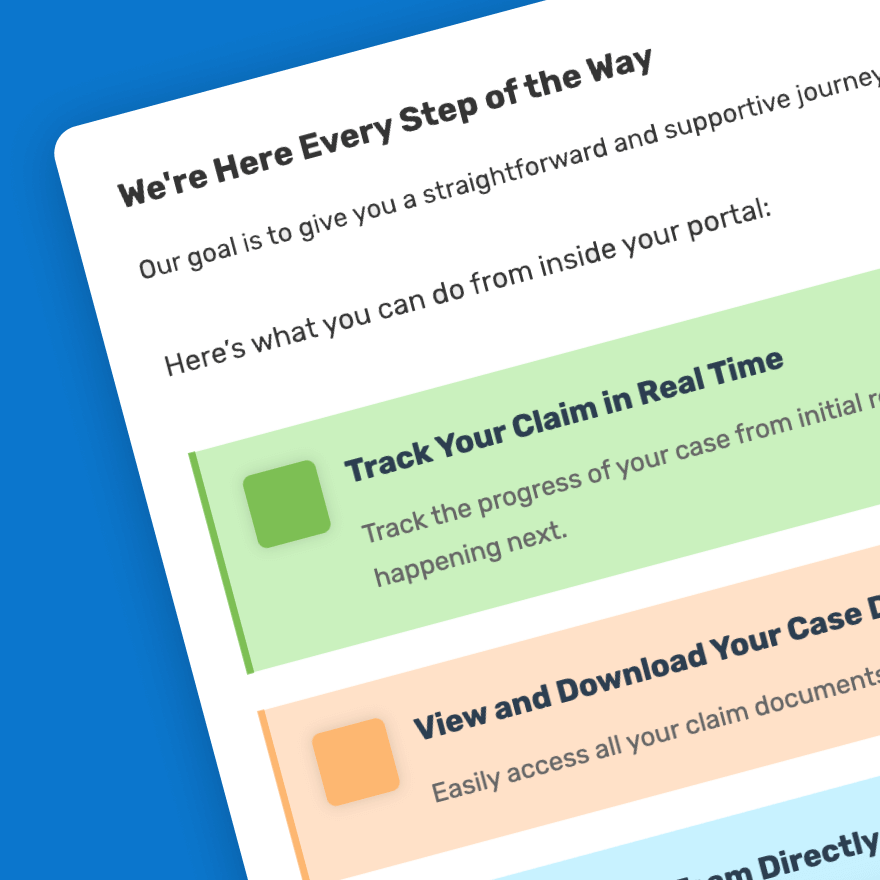
Client Onboarding Portal.
Our Client Onboarding Portal gives users a clear, guided environment to submit information, upload documents, and track progress.
Everything is presented in one place, reducing confusion and unnecessary contact. Clients always know what’s required and what happens next.
This structured experience builds trust and sets expectations early in the relationship.
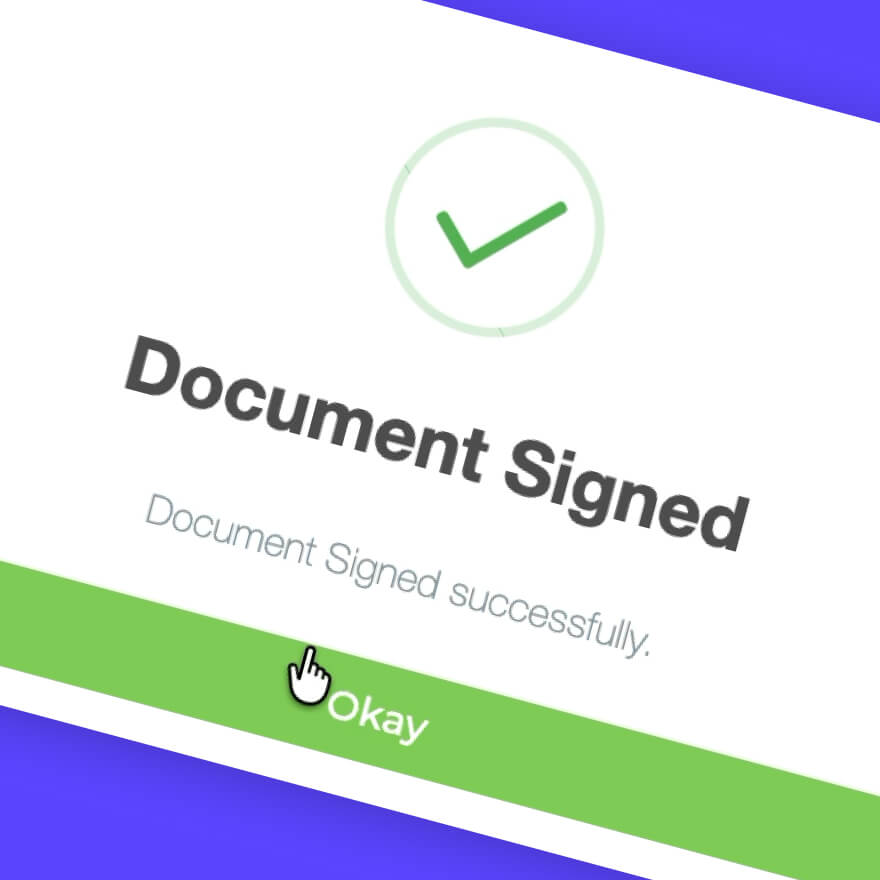
Fast Sign.
Fast Sign enables digital document signing directly within the onboarding flow. Agreements can be reviewed and signed without downloads, printing, or delays.
This helps onboarding move forward at pace while maintaining a professional, compliant process.
Signed documents are stored securely and linked to the client record for easy access later.
Form Builder.
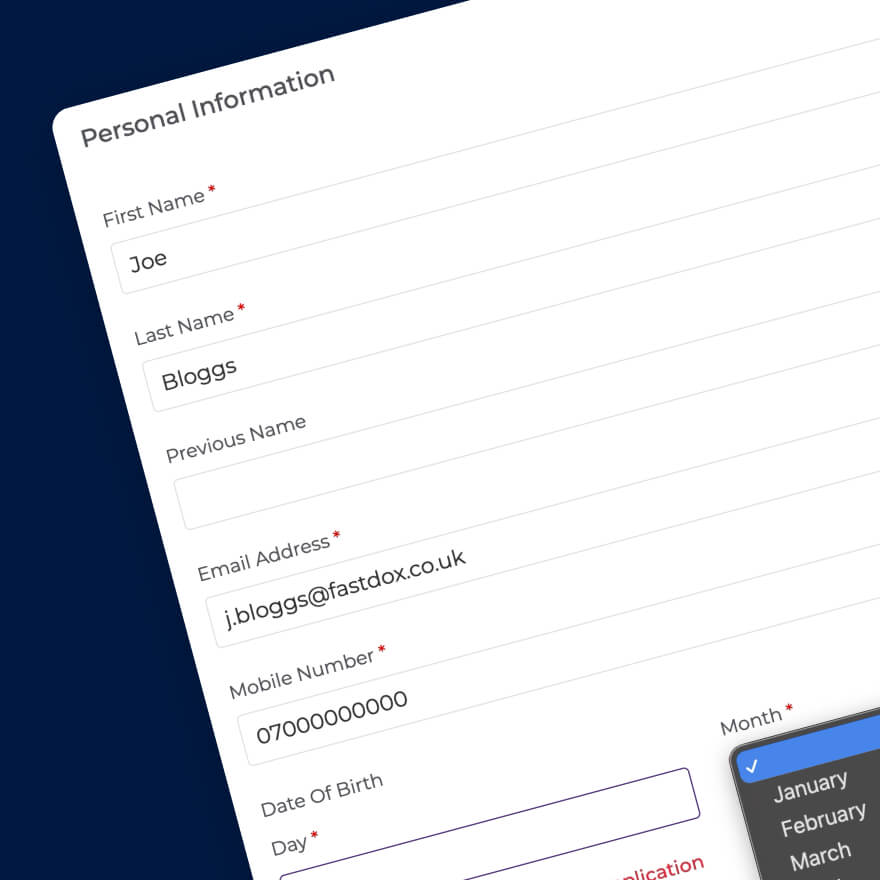
Our Form Builder Pro module allows teams to design onboarding forms that adapt to each client’s needs. Fields can change based on responses, keeping forms relevant and efficient.
Forms integrate directly into workflows, triggering next steps automatically once completed.
This reduces friction for users while ensuring teams capture accurate, structured data.
ID Verification.
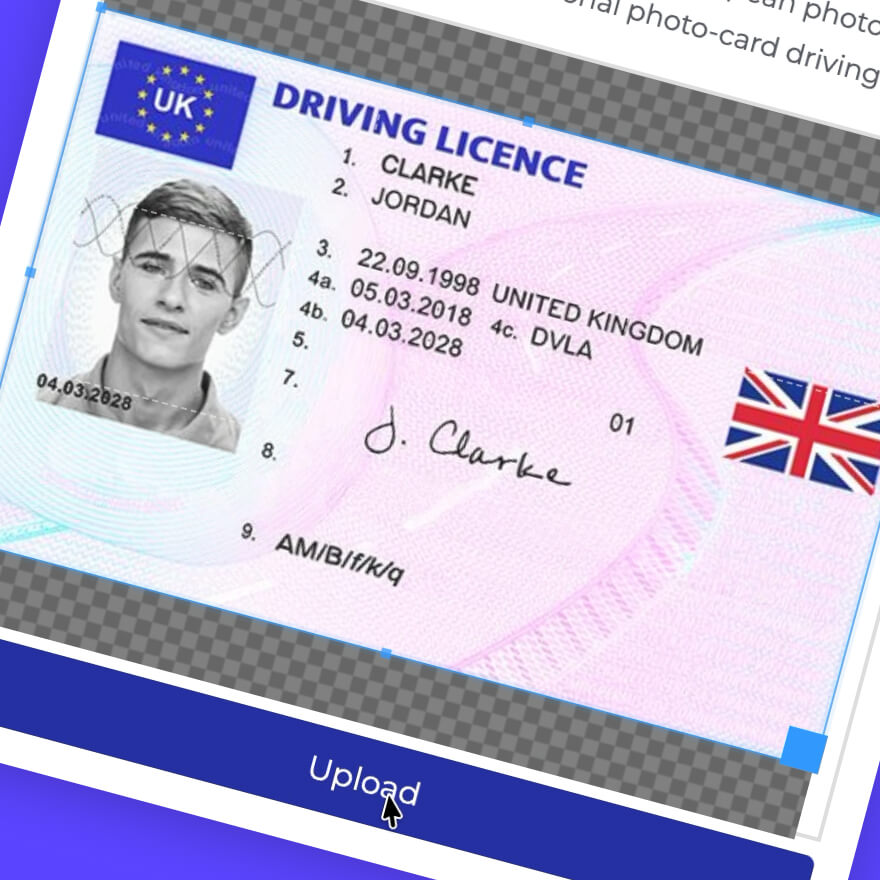
ID Verification is embedded into onboarding to confirm user identity quickly and securely.
Clients complete verification digitally, without needing in-person checks or complex instructions. Results are returned in real time and linked to the onboarding process.
This supports compliance while preserving a smooth, modern experience.
Third-Party Connectivity.
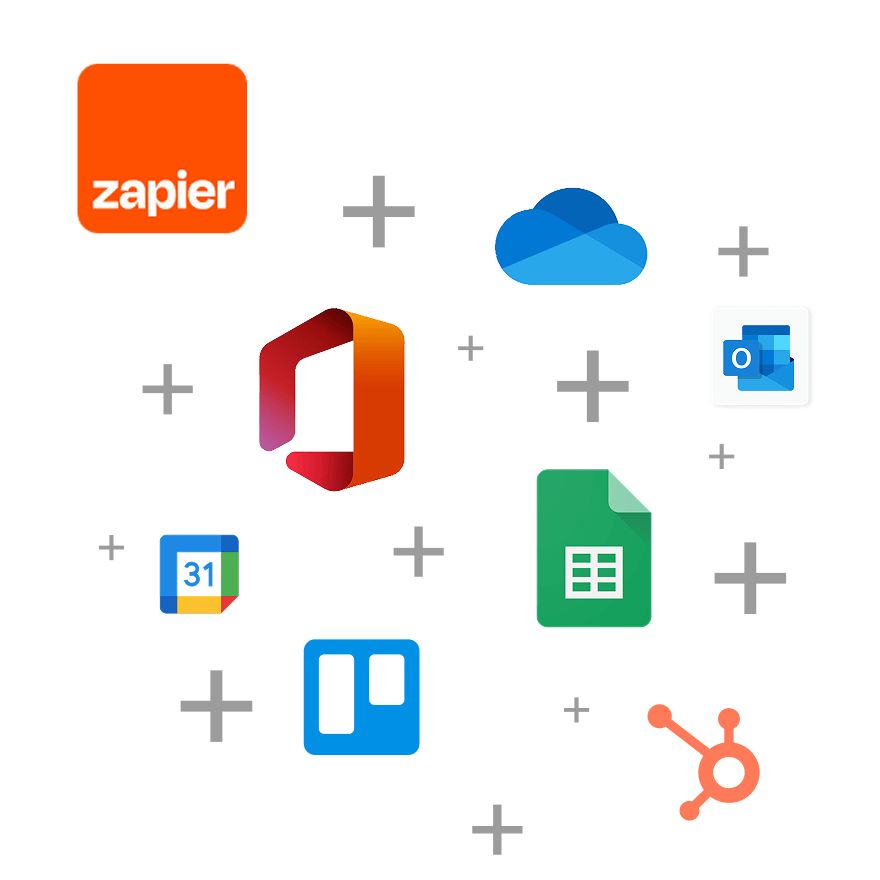
Our third-party connectivity features onboarding and engagement workflows to integrate with thousands of widely-used external systems, platforms, and data sources.
This ensures information flows where it’s needed without duplication or manual syncing.
Clients benefit from a joined-up experience, while teams retain flexibility and control over their wider tech stack.

Trusted by





Book a free FastDox demo.
Request a walkthrough with our product experts to see why so many other companies have already made the switch to FastDox.
See what’s possible.

Frequently Asked Questions.
How does digital onboarding work for clients?
Clients move through onboarding via a secure digital portal where they can submit information, upload documents, complete verification steps, and sign forms as required. Each step is presented in a clear sequence, helping clients understand what’s needed and what happens next.
Can clients track their progress during onboarding?
Yes. Clients can see where they are in the onboarding process and which steps have been completed or are still required. This reduces uncertainty and helps limit unnecessary follow-up questions.
How does this improve ongoing client engagement?
Communication continues beyond initial onboarding through structured updates, notifications, and follow-ups. Messages can be triggered by actions or milestones, keeping engagement consistent and relevant without relying on manual outreach.
Is this suitable for regulated or compliance-led environments?
Yes. Digital onboarding and engagement workflows are designed to maintain structure, visibility, and traceability. Activities such as document submission, verification, communication, and case updates are logged, helping teams maintain clear records and audit trails.